 Home Museum
See the whole picture.
For portrait artworks, choose a view that fills the screen or show the entire work with museum-style matting and a blurred backdrop.
An art gallery for Apple TV
Give the screen a different kind of presence. Paintings you love, a clock your way, and a moment to pause at home.
A free selection for seven days
Requires an Apple TV device with tvOS 17 or later.
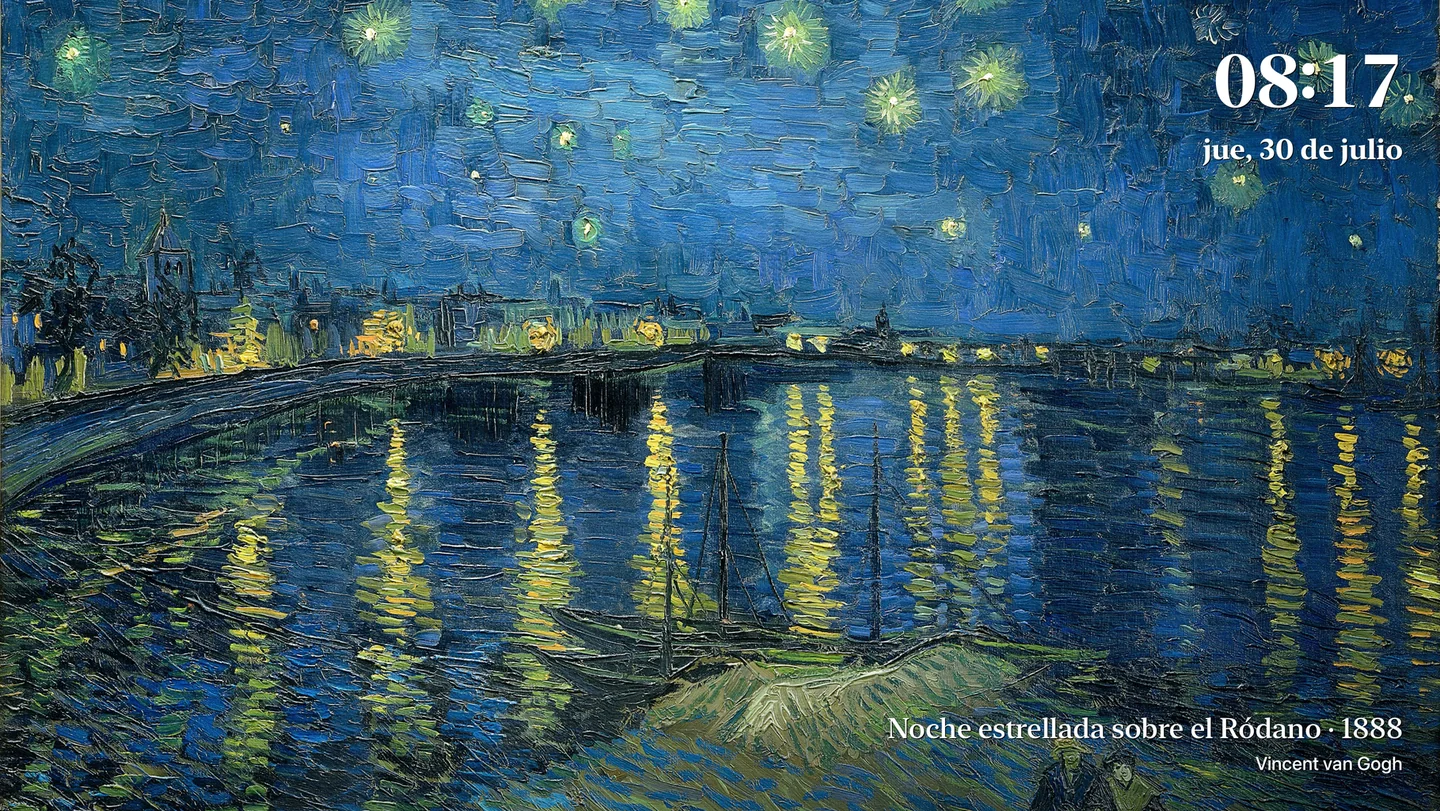
A free selection for seven days
One-time purchases. No subscription.
Make room for art
From Monet and Van Gogh to Botticelli and Hokusai. Find a favorite, let the gallery move at your pace, and make the clock part of the picture.
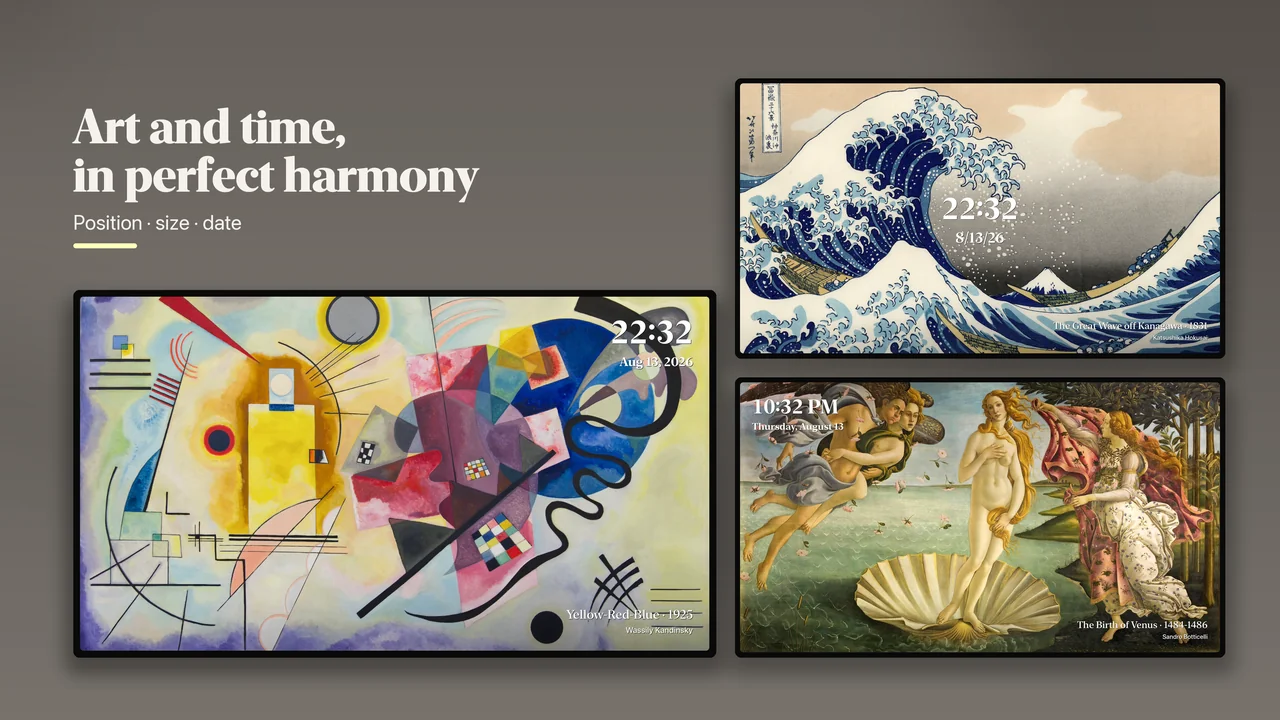
Choose the clock’s position and size, a 12 or 24 hour format, and how the date appears. The art and the time share the screen.
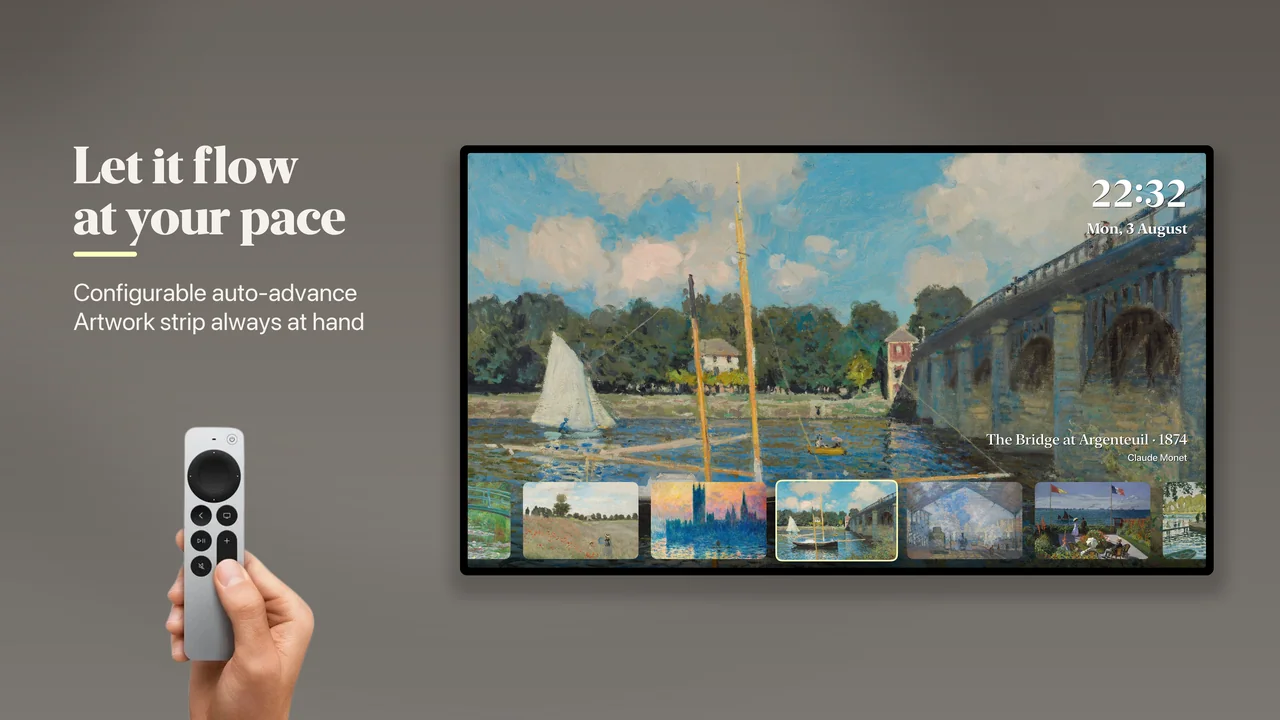
Browse with your remote or let the gallery advance automatically. Choose an interval from 30 seconds to five minutes.
For portrait artworks, choose a view that fills the screen or show the entire work with museum-style matting and a blurred backdrop.
Save favorite artists so their collections are easy to find when you return.
Begin with a little discovery
Start with selected artworks from several artists. This is a limited selection, rather than free access to every collection.
When you find what you love, unlock individual artist collections or choose the complete collection unlock for all current and future artist collections with one purchase.
No subscription or automatic renewal. Prices are shown in the app before purchase.
Install on your Apple TVFrom your phone to your television
Reading this on a phone or computer? Open the App Store on your Apple TV device to install Home Museum there.
On your Apple TV, open the App Store and choose Search.
Look for Home Museum, the art gallery and clock app.
Open the app and browse the seven-day free selection. Choose a collection to enjoy on your screen.
The App Store link lets you view the listing. Installation takes place on your Apple TV.
View on the App StoreA few things to know
Home Museum runs on an Apple TV device with tvOS 17 or later, connected to your television. The Apple TV app built into some smart TVs is not the same device. Home Museum is not an iPhone or iPad app.
A selection of artworks from several artists is available for seven days. It is not a trial of the entire catalog. To continue with artist collections, choose an individual collection or the complete collection unlock.
No. Artist collections and the complete collection unlock are one-time in-app purchases. The complete unlock includes all current and future artist collections. Check the price shown in the app before buying.
Yes. Use Restore Purchases in the app with the Apple Account used for the original purchase. If you need help, contact support using the link below.
Home Museum is an app you open to display art and a clock. It does not replace the system screensaver or run over other apps.
You do not need to create a Home Museum account. The app has no ads. Usage analytics is optional and remains off until you choose to share it.
Your Apple TV. Your favorite paintings. Your own little museum.
View on the App StoreRequires an Apple TV device with tvOS 17 or later.